Table of Contents
- What Is Break-Fix IT Support?
- What Are Managed IT Services?
- Key Differences: Managed IT Services vs Break-Fix Support
- Break-Fix IT Support Pricing and Cost Structure
- Managed IT Services Pricing Models Explained
- Benefits of Managed IT Services for Business Continuity
- Pros and Cons of Break-Fix Support
- Pros and Cons of Managed IT Services
Managed IT Services vs Break-Fix Support: Which Suits Your Business?
Last Updated: June 30, 2026
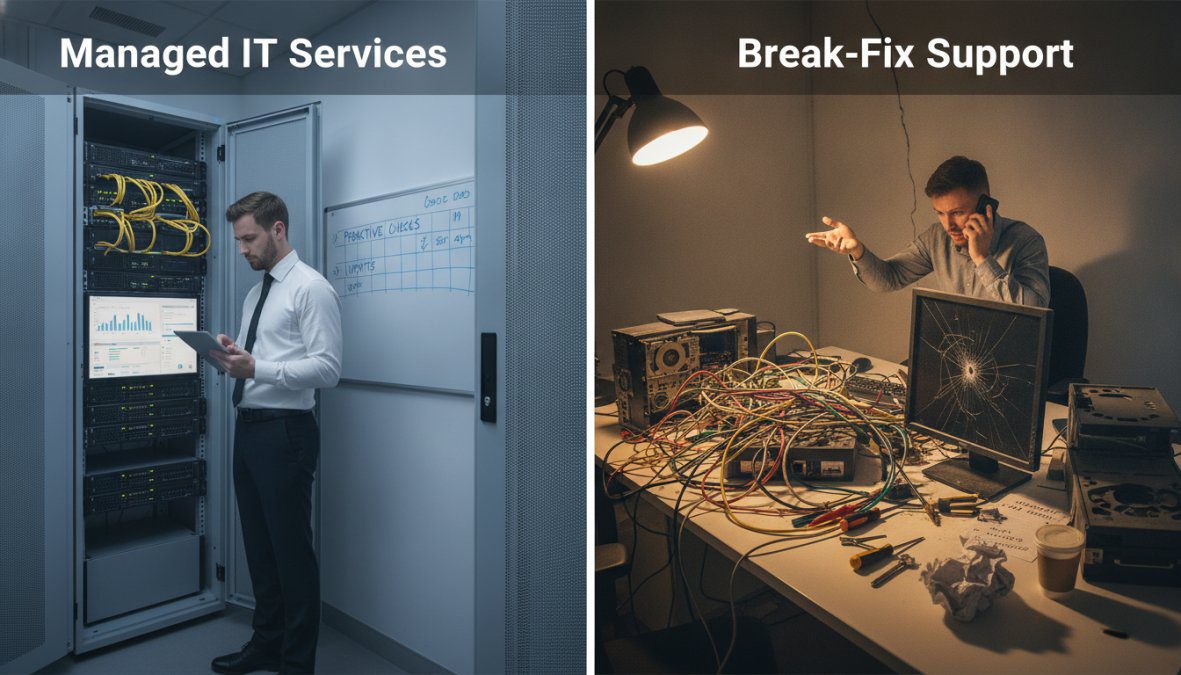
When choosing between managed IT services and break-fix support, you’re deciding between prevention and reaction. One approach keeps your infrastructure healthy through continuous monitoring. The other waits for failure, then fixes it. This choice affects your downtime risk, budget predictability, and operational resilience.
This guide breaks down both models so you can make an informed decision based on your actual business needs.
What Is Break-Fix IT Support?
Break-fix IT support is reactive: you pay technicians only when something fails. A server crashes, a network goes down, or software stops working, you call, someone responds, and you’re billed for the time spent fixing it. There’s no ongoing relationship, no preventative maintenance, and no background monitoring.
This appeals to businesses with minimal IT infrastructure and few technical issues. However, the reactive nature means problems often cascade before anyone notices them. A small issue fixable in 30 minutes proactively might require 8 hours of emergency repair work once it impacts operations.
Common break-fix providers include on-site technicians, freelance IT consultants, and retail services. Response times vary from hours to days depending on availability and severity.
What Are Managed IT Services?
Managed IT services operate on a fundamentally different principle: proactive monitoring and prevention. You pay a flat monthly fee, and a managed service provider (MSP) continuously monitors your systems, applies patches, manages security, and handles most issues before they impact your business. The service typically includes 24/7 monitoring, regular maintenance, security updates, and a dedicated support team.
This model shifts IT from a cost centre that only matters when something breaks to a strategic function that enables business continuity. Your systems stay patched, your backups run automatically, your network stays secure, and your team knows who to call when they need help.
The trade-off is straightforward: you pay whether you need support that month or not. For businesses where downtime costs money or disrupts operations, it’s often far cheaper than the alternative.
(/what-is-managed-it-services)?]
Key Differences: Managed IT Services vs Break-Fix Support
Reactive vs Proactive IT Maintenance
The biggest difference is timing. Break-fix support waits for failure. Managed IT services prevent it. In a break-fix environment, your team discovers problems when users report them. A patch hasn’t been applied, so a vulnerability gets exploited. A backup hasn’t run in weeks, so data recovery becomes impossible. A network device is failing, so performance degrades until someone notices.
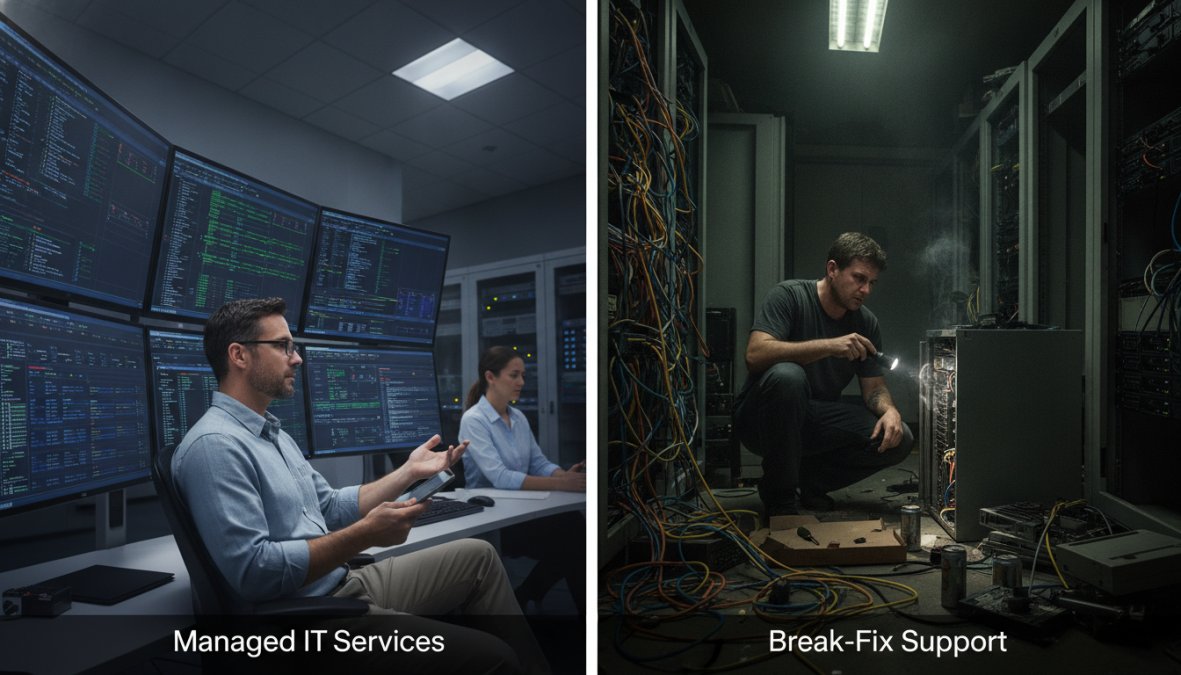
In a managed services environment, monitoring systems catch these issues before users see them. Patches deploy automatically. Backups run on schedule and get verified. Failing hardware gets replaced before it causes outages. This proactive approach means fewer emergencies, less disruption, and more predictable IT operations.
Response Times and Downtime Impact
Break-fix support response times depend entirely on availability. During business hours, you might get someone on site within an hour. After hours or weekends, you might wait until morning. Critical failures costing thousands per hour still require waiting for the next available technician.
Managed IT services typically include defined service level agreements (SLAs) guaranteeing response times. Critical issues might have a 15-minute response target. Less urgent problems might have a 4-hour window. Monitoring happens automatically, so many issues get resolved before anyone notices.
For businesses where downtime directly costs money, e-commerce sites, manufacturing operations, professional services firms, this difference is enormous. A 4-hour unplanned outage might cost more than a year of managed services.
Break-Fix IT Support Pricing and Cost Structure
Break-fix pricing appears simple: you pay per incident at hourly rates ranging from £75-£150, with emergency after-hours rates often 50-100% higher. However, this simplicity masks hidden costs most businesses underestimate.
The True Cost of Break-Fix: Beyond the Hourly Rate
Direct Incident Costs
A server restart might cost £150. A network outage requiring on-site diagnosis could run £800-£2,000. Data recovery after a failed backup costs £3,000-£10,000 or more.
Emergency and After-Hours Surcharges
Problems rarely occur during business hours. A critical failure at 6 PM Friday carries a 50-100% surcharge. A midnight server crash on Sunday might cost triple the normal rate. Two after-hours emergencies per year can easily accumulate £2,000-£5,000 in premium charges alone.
Downtime Costs (Often Overlooked)
This is where break-fix becomes genuinely expensive. If your e-commerce site goes down for 4 hours, you lose sales. If your manufacturing operation’s network fails for 2 hours, production stops. If your professional services firm can’t access client files, billable hours are lost.
Downtime costs vary dramatically by industry:
- E-commerce: £5,600-£56,000 per hour
- Manufacturing: £20,000-£100,000+ per hour
- Financial services: £10,000-£50,000+ per hour
- Healthcare: £5,000-£30,000+ per hour
- Professional services: £2,000-£10,000+ per hour
Even a small business with modest downtime costs, say £500 per hour, faces significant financial exposure. Two unplanned 2-hour outages per year cost £2,000 in lost productivity alone, before technician fees.
Cumulative Annual Cost Calculation
Consider a 15-person business with basic IT infrastructure. Using conservative assumptions:
- 4 break-fix incidents per year at £600 average: £2,400
- 1 after-hours emergency at 2x rate: £1,200
- 1 significant outage (8 hours at £1,000/hour downtime cost): £8,000
- Unplanned hardware replacement: £2,500
Total annual break-fix cost: £14,100
This doesn’t include your team’s time managing crises or the risk of data loss.
The Unpredictability Problem
Break-fix pricing creates budgeting nightmares. You cannot forecast IT expenses accurately. One catastrophic failure, a ransomware attack, failed backup, or critical hardware failure, can cost £10,000-£50,000 in a single incident. This financial volatility makes it impossible to plan IT spending confidently.
When Break-Fix Pricing Actually Works
Break-fix support is genuinely cost-effective only in narrow scenarios:
- Minimal IT infrastructure: A small business with 3-5 employees, a few computers, and cloud-based software might experience so few issues that break-fix costs less than £2,000 annually.
- Strong in-house technical expertise: A business with a dedicated IT person who can handle 90% of issues and only calls for specialized help can keep break-fix costs low.
- Non-critical systems: A business where IT downtime is inconvenient but not costly faces lower downtime costs.
For most other businesses, the hidden costs of break-fix support exceed the cost of managed services within 12-18 months.
Managed IT Services Pricing Models Explained
Managed IT services use flat-fee pricing based on the number of users, devices, or service tiers. You know your cost in advance and can budget for it. The provider has incentive to keep your systems healthy because they profit from ongoing relationships, not emergency repairs.
Different providers structure fees differently. Some charge per user. Others charge per device. Some offer tiered plans where basic monitoring and patching costs less than comprehensive services including cybersecurity and disaster recovery.
For businesses with more than 10 users or complex infrastructure, managed services typically cost less over a year than cumulative break-fix expenses, particularly when you factor in downtime costs.
Benefits of Managed IT Services for Business Continuity
Managed IT services exist to keep your business running. Your data gets backed up automatically and tested regularly. Your security patches deploy on schedule. Your network stays monitored 24/7, even when your team is asleep.
Business continuity is the core benefit. Your systems don’t go down unexpectedly. If something does fail, your provider has likely already identified it and is working on a fix before your team notices. Disaster recovery becomes part of your baseline service, not an expensive add-on you hope you never need.
Managed services also provide IT health monitoring. You know the state of your infrastructure and can plan upgrades before systems become obsolete rather than replacing them in emergency mode.
Pros and Cons of Break-Fix Support
Break-fix support has genuine advantages for specific situations. If your business has minimal IT infrastructure, perhaps just a few computers and cloud-based accounting software, you might not need ongoing support. You pay nothing until something breaks.
Break-fix also works if you have strong technical expertise in-house. If your team can handle most issues and only calls for specialized help, the per-incident model keeps costs low.
However, the disadvantages are substantial for most businesses. Downtime becomes expensive and unpredictable. Emergency repairs cost more than preventative maintenance. Your team spends time managing failures instead of focusing on business priorities. Security falls behind because patches deploy reactively rather than automatically.
Additionally, break-fix support creates perverse incentives. Your provider profits from problems being complex and time-consuming. There’s no financial incentive to prevent issues or resolve them quickly.
Pros and Cons of Managed IT Services
Managed IT services provide predictability, prevention, and peace of mind. You know your cost. You know your systems are being monitored. You know someone is applying patches and managing security. Your team can focus on business priorities instead of managing IT crises.
Core Advantages of Managed IT Services
Predictable, Budgetable Costs
Managed services operate on flat-fee pricing, typically £80-£300 per user per month depending on service tier. You know your cost in advance, making IT budgeting straightforward and eliminating financial surprises.
Proactive Security and Compliance
Your provider manages vulnerability scanning, security updates, threat detection, and compliance monitoring. For businesses handling customer data or operating in regulated industries (healthcare, finance, legal), this is essential. Managed services providers maintain expertise in HIPAA, PCI-DSS, GDPR, and other compliance frameworks that break-fix support typically doesn’t address.
24/7 Monitoring and Rapid Response
Systems are monitored continuously, even outside business hours. Many issues are resolved automatically before users notice them. Critical issues typically have response times of 15-30 minutes.
Business Continuity and Disaster Recovery
Automated backups, redundancy planning, and disaster recovery are built into the service. If a server fails, your provider can restore from backup or failover to redundant systems.
Strategic IT Planning
Managed services providers conduct regular infrastructure assessments, capacity planning, and technology roadmaps. You understand where technical debt is building and can plan upgrades proactively.
Legitimate Disadvantages and How to Mitigate Them
Cost if Your Business Genuinely Doesn’t Need Support
If your business has minimal IT infrastructure and very few issues, paying a monthly fee feels wasteful. However, this situation is rare. Most businesses underestimate the value of monitoring and prevention. Additionally, many MSPs offer tiered pricing or per-device models that scale down for truly minimal infrastructure.
Vendor Lock-In and Switching Costs
Once on a managed services contract, switching providers requires migrating your entire IT infrastructure, which can be disruptive and costly.
Mitigation strategies:
- Negotiate contract terms with clear exit clauses and migration support provisions
- Ensure your provider uses industry-standard tools and doesn’t lock you into proprietary systems
- Establish clear SLAs and performance metrics in writing
- Conduct quarterly business reviews to assess whether the provider is delivering value
Risk of "Glorified Break-Fix" Providers
Not all MSPs are created equal. Some operate as break-fix providers with a monthly fee, they monitor systems but don’t truly prevent issues or invest in your infrastructure’s health.
How to identify a quality MSP:
- Ask for their average ticket resolution time and percentage of issues resolved proactively vs. reactively (quality providers resolve 60%+ of issues before they impact users)
- Request references from similar businesses and ask specifically about proactive maintenance and communication
- Clarify what’s included in the base fee vs. what’s billed separately
- Ask about their approach to capacity planning and infrastructure upgrades
- Verify they use industry-standard remote monitoring and management (RMM) tools like ConnectWise, Kaseya, or Datto
The Hybrid Model: A Practical Alternative
Many businesses assume they must choose between fully managed services or pure break-fix support. In reality, a hybrid approach often delivers the best value:
Hybrid Model Structure:
- Managed services for critical systems: Your core infrastructure (servers, network, backups, security) is fully managed with 24/7 monitoring
- Break-fix or lighter support for non-critical systems: Workstations, printers, and less critical applications are supported as needed
- In-house IT for routine tasks: Your team handles password resets, basic troubleshooting, and user support
Example: A 20-person professional services firm
- Managed services for: 2 servers, network infrastructure, backups, security monitoring, cloud services (£2,500-£3,500/month)
- Break-fix support for: 20 workstations, printers, specialized software (£500-£1,000/month as needed)
- In-house IT coordinator: Handles user support, onboarding, routine maintenance (1 FTE)
This hybrid approach costs less than full managed services while providing critical infrastructure protection and reducing catastrophic downtime risk.
Industry-Specific Considerations
Healthcare (HIPAA Compliance)
Break-fix support is insufficient. HIPAA requires documented security controls, audit trails, and breach response procedures. Managed services providers with healthcare expertise ensure compliance automatically. A HIPAA breach costs £100,000-£1,000,000+ in fines and remediation.
Financial Services (PCI-DSS, SOX Compliance)
Regulatory audits require proof of security controls, patch management, and access controls. Managed services providers maintain the documentation auditors require. Break-fix support leaves you exposed to compliance violations.
Legal Firms (Client Confidentiality)
Attorney-client privilege requires secure data handling and access controls. Managed services ensure encryption, access logging, and secure backups. A data breach can destroy client relationships and expose the firm to liability.
Manufacturing (Operational Continuity)
Production downtime costs thousands per hour. Managed services with redundancy and rapid recovery capabilities are essential. Break-fix support’s unpredictable response times create unacceptable operational risk.
The Bottom Line on Managed Services
Managed IT services are the right choice for most businesses with more than 10 employees or any meaningful IT infrastructure. The cost is predictable, the security is comprehensive, and the business continuity protection is essential. The key is selecting a quality provider that truly prevents issues rather than simply reacting to them faster than a break-fix vendor would.
Frequently Asked Questions
What is the main difference between managed IT services and break-fix support?
Break-fix support is reactive, you call when something fails and pay per incident. Managed IT services are proactive, with continuous monitoring, regular maintenance, and predictable flat-fee pricing. Managed services aim to prevent problems; break-fix responds after they occur. Most businesses find managed IT services reduce downtime and total cost of ownership, though break-fix works for occasional, non-critical needs.
Is break-fix IT support pricing cheaper than managed IT services?
Break-fix appears cheaper upfront because you only pay per incident. However, unexpected system failures, emergency call-outs, and extended downtime often result in higher overall costs. Managed IT services use flat-fee pricing, making budgets predictable. For businesses relying on IT infrastructure for daily operations, managed services typically offer better value despite higher monthly fees.
What are the key benefits of managed IT services?
Managed IT services provide continuous proactive monitoring, patch management, cybersecurity oversight, and help desk support. They reduce downtime, improve operational efficiency, and ensure compliance. Businesses gain access to expertise without hiring full-time staff. Service level agreements (SLAs) guarantee response times, and remote support minimises disruption. These benefits lead to improved business continuity and lower technical debt.
When should a business switch from break-fix to managed IT services?
Switch to managed services if IT downtime impacts revenue, you're managing complex infrastructure, compliance is required, or break-fix costs are unpredictable and rising. If your team spends more time fixing problems than planning improvements, managed services frees capacity for strategic work. Small businesses with basic needs may continue with break-fix; growing firms benefit from the scalability and stability of managed services.