
Last Updated: November 12, 2026
Quick Summary
Remote working GDPR compliance means applying the same UK GDPR duties to data handled outside your office. Map the personal data that leaves your premises, update your privacy notice, write a remote working policy, secure home devices and set up a breach procedure. Review your evidence twice a year.
- Ask staff which systems they log into from home and whether they download or print customer details.
- Set screen locks, automatic updates and full-disk encryption centrally so staff do not have to think about them.
- Give every remote worker a one-page card covering the first hour of a suspected data breach.
- Report a breach to the ICO without undue delay and within 72 hours of becoming aware of it.
- Small employers should prioritise the breach procedure first, then device security, then the policy, then the paperwork.
Table of Contents
- Why Remote Working Changes Your GDPR Obligations
- Step 1: Map the Personal Data That Leaves Your Premises
- Step 2: Confirm Your Lawful Basis and Update Your Privacy Notice
- Step 3: Write a Remote Working Data Protection Policy
- Step 4: Home Working Data Security That Actually Gets Followed
- Step 5: GDPR Personal Devices at Work
- Step 6: A Remote Employee Data Breach Procedure
- Step 7: Build an Evidence Pack and Review It
- Frequently Asked Questions
Why Remote Working Changes Your GDPR Obligations
Remote working GDPR compliance is not a separate rulebook. It is the same UK GDPR duties applied to a workplace you no longer control. That is the whole problem in one sentence.
In our experience with small firms, the pattern is often the same. Staff take laptops home, personal data follows them, and the office controls stop at the front door.
Below, we break the work into seven steps you can actually finish. Each one builds on the last, so work through them in order.
Step 1: Map the Personal Data That Leaves Your Premises
You cannot protect data you have not located. Start by finding out what leaves your office, who takes it, and where it goes.
Ask each team member three questions:
- Which systems do you log into from home?
- Do you download files to your own device?
- Do you print anything containing customer details?
Build a Simple Data Map
A data map is a plain list of what you hold and where it sits. One row per data type is enough.
| Data type | Who holds it | Where it lives | Why you keep it |
|---|---|---|---|
| Customer contact details | Sales team | Cloud CRM | To fulfil orders |
| Staff payroll records | Operations | Finance system | Legal duty |
| Supplier invoices | Finance | Shared drive | Tax records |
Keep this list short and honest. A messy but accurate map beats a tidy fiction every time.
Step 2: Confirm Your Lawful Basis and Update Your Privacy Notice
Every processing activity needs a lawful basis, and remote working rarely creates a new one. What changes is where the processing happens, not why.
Check your existing basis for each item on your data map. Most small firms rely on contract, legal obligation, or legitimate interests.
Then update your privacy notice so it reflects reality. Our GDPR compliance checklist gives you a ready-made structure to work from, which saves a lot of blank-page time.
Watch out: telling people in your notice that data stays on site when it does not is a straightforward accuracy problem. Fix the notice, not the wording.
Step 3: Write a Remote Working Data Protection Policy
A remote working data protection policy is a short document that tells staff how to handle personal data outside the office. It should fit on two sides of A4 and be written in plain English.
Policies fail when they read like legal text. Staff skim them, sign them, and ignore them. Write yours the way you would explain it to a new starter.
What the Policy Needs to Cover
- Which devices may be used for work
- Where work files may and may not be stored
- Rules on printing and paper records at home
- How to lock a screen and secure a room
- What to do if a device is lost or stolen
- Who to tell about a possible data breach
- How long data may be kept on personal equipment
For broader guidance you can draw on, see our remote work data protection best practices. Keep the policy under review, and revisit it whenever someone joins or leaves.
Step 4: Home Working Data Security That Actually Gets Followed
Home working data security works when the safe option is also the easy option. If locking a laptop takes six clicks, people stop doing it. But controls alone are not enough, you need to address the real situations your staff face at home. Most guidance stops at ‘use a VPN and lock your screen’.
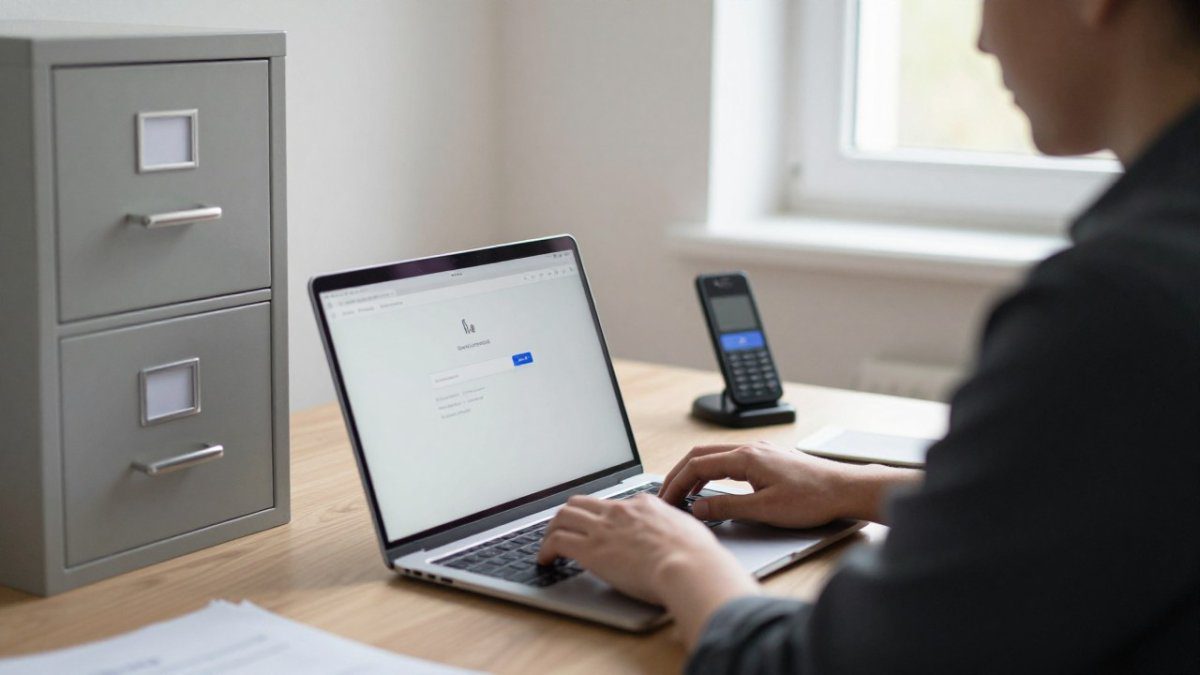
Set the controls centrally so staff do not have to think about them:
- Screen lock after a few minutes of inactivity
- Automatic system updates, scheduled outside working hours
- Full-disk encryption switched on by default
- Company-approved cloud storage, with local downloads blocked
- A clear desk habit at the end of each day
Practical Home-Office Scenarios and What to Do
A control is only as good as the behaviour around it.
Shared households. Other people use the same kitchen table, the same Wi-Fi, and the same printer.
Screen visibility. A laptop screen is readable from across a room.
Paper records. Paper is easy to forget. If staff must print at home, provide a lockable folder or a small lockable cabinet.
Calls in public spaces. Taking a work call from a café or on a train is common, but voices carry.
Lost devices. A lost phone or laptop is stressful, but a clear first step makes it manageable.
Access Control and Secure Remote Access
Give each person the least access they need to do the job. Review permissions quarterly and remove them the day someone leaves. Our cybersecurity tips for remote teams cover the practical setup, and our UK guide to secure remote working solutions walks through the options if you are starting from scratch.
Watch out: if you hand out a policy but never check that the controls are actually switched on, you have evidence of a document, not of security. Spot-check a few devices each quarter and record what you found.
Step 5: GDPR Personal Devices at Work
GDPR personal devices at work are allowed, but only with clear rules. You need to know what is on the device, who can wipe it, and what happens when the person leaves.
Decide one of three positions and apply it consistently:
- Company devices only. Simplest to control, highest hardware cost.
- Personal devices with a management profile. Work data sits in a separate, wipeable container.
- Personal devices with no management. Only viable for low-risk roles with no access to customer data.
Whichever you choose, put it in writing and get signed acknowledgement. Our guide to nine ways to secure your company data covers the device-level controls in more detail.
Step 6: A Remote Employee Data Breach Procedure
A remote employee data breach procedure is the set of steps a home worker follows in the first hour after something goes wrong. Most small firms have an office procedure and nothing for home working. That gap is where small incidents become reportable ones. The ICO’s personal data breach reporting guidance sets out when notification is required and the timescales involved, but it does not tell your team what to do at the kitchen table.
Give every remote worker a one-page card that covers the first hour:
- Stop and secure. Stop using the device and disconnect it from the network. Do not turn it off, you may need the logs.
- Tell the named contact immediately. Use the phone number on the card, not email. If the contact is unavailable, call the backup name.
- Write it down. Note what happened, when, what data was involved, and who else might have seen it. Keep it factual.
- Do not try to fix it yourself. Deleting files or running a clean-up tool can destroy evidence.
- Preserve the device. Keep it switched on and connected to power if possible, and do not use it for anything else until you are told otherwise.
What the Controller Must Do Next
The office lead, the controller, then assesses the risk. This is not a technical step; it is a judgement about what harm could come to people. Ask three questions: what data was involved, how many people are affected, and what could someone do with that data?
If the breach is likely to result in a risk to people’s rights and freedoms, the controller must report it to the ICO without undue delay and within 72 hours of becoming aware of it (Personal data breaches). If the risk is high, the affected individuals must also be told.
Keep an Incident Log
Keep a simple incident log, even for near misses. A near miss is a chance to fix a weakness before it causes harm. Log the date, what happened, what was done, and what changed as a result.
Watch out: if the first call goes to an IT helpdesk that only fixes devices, the breach may never reach the person who has to assess it. Make sure the named contact on the card is someone with the authority to start the assessment, or that the helpdesk has a clear path to that person.
Step 7: Build an Evidence Pack and Review It
An evidence pack is the folder you would hand to an auditor or the ICO to show what you did. It proves accountability without a scramble.
Include these items:
- Your data map, dated
- Lawful basis notes for each processing activity
- The signed remote working policy
- Device register and access review records
- Training completion records
- Incident log, including near misses
- Your latest review notes
Review the pack twice a year and after any significant change, such as new software or a new starter working from home.
Remote working GDPR compliance is a set of small habits, not a one-off project.
If you would rather hand the technical side to a local team, Ibertech Solutions can help. Our IT Support team can help with the technical side, including keeping systems up-to-date.
Get started with Ibertech Solutions and put your remote working data protection on a firm footing.
Frequently Asked Questions
Does GDPR apply when employees work from home?
Yes. The location of the work does not change your obligations. If your business is the data controller, you remain responsible for personal data wherever it is processed, including a kitchen table in Diss or a spare room in Suffolk. Home working simply moves the risk: paper records, home networks, shared family devices and printing all become part of your processing. Your remote working GDPR compliance checklist should treat the home as an extension of the office, with the same lawful basis, retention rules and security measures applied.
Can employees use personal devices for work under GDPR?
They can, but only with clear rules. GDPR personal devices at work need a documented position: either you supply managed equipment or you set minimum standards for personal phones and laptops. Cover screen locking, system updates, encryption, separate work profiles and what happens when someone leaves. Avoid letting staff store personal data in personal email or cloud accounts you do not control. If a device holds client or staff records, you need a way to wipe that data remotely and a record of who approved the arrangement.
How should staff report a data breach while working remotely?
Give them one route and a time limit. A remote employee data breach procedure should name a single contact, a backup contact and a deadline such as reporting within one hour of noticing. Cover lost laptops, misdirected emails, printing to a shared home printer and a break-in at a home office. Staff should not investigate alone or try to delete evidence. You then assess the risk and decide whether the Information Commissioner’s Office needs to be told, usually within 72 hours of becoming aware.
What should a remote working data protection policy include?
At minimum: permitted locations and devices, approved storage and cloud services, rules on printing and paper records, clear desk expectations at home, how to lock screens, how to use a virtual private network for remote access, what counts as a breach and who to tell, and how access is removed when someone leaves. Add retention rules so home folders and downloads do not become a shadow archive. Keep it short enough to read and ask staff to confirm they have read it, then review it at least annually.