Table of Contents
- Understanding Hosted and On-Premise Phone Systems
- Hosted VoIP vs On-Premise VoIP: Core Differences
- Business Phone System Features: What You Actually Need
- Business Phone System Reliability: Uptime and Support
- Cost and Control: Which Model Fits Your Budget
- Business Phone System Migration: Moving to Your New System
- Making Your Decision: Which System Is Right for You
- Frequently Asked Questions
Last Updated: October 12, 2026
Understanding Hosted and On-Premise Phone Systems
When you’re choosing between hosted vs on-premise phone systems, you’re making a decision that affects how your team communicates every single day. The difference between these two approaches is fundamental: where your phone infrastructure actually lives and who manages it.
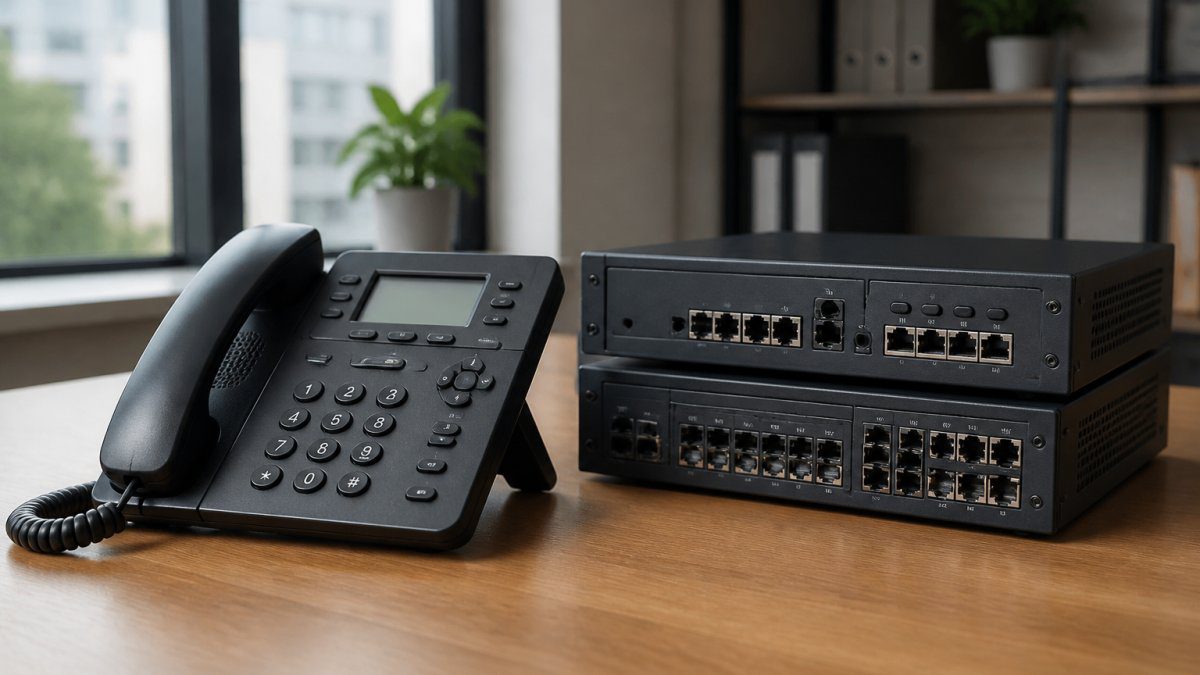
A hosted phone system is a cloud-based solution where a third-party provider manages all the hardware, software, and maintenance. Your calls run over the internet, and you access the system through a web browser or app. An on-premise phone system, by contrast, sits in your office. You own the equipment, manage the software, and handle all the technical support yourself.
This distinction matters because it shapes your costs, control, flexibility, and how much technical expertise you need in-house. For businesses in Diss and across Norfolk, understanding these trade-offs is essential before committing to either approach.
Hosted VoIP vs On-Premise VoIP: Core Differences
The core differences between hosted vs on-premise phone systems come down to infrastructure, control, and responsibility. With a hosted VoIP solution, the provider owns the servers and handles updates, backups, and security patches. You pay a monthly subscription and rely on their support team.

With an on-premise system, you own the hardware outright. You manage everything internally: updates, security, troubleshooting, and capacity planning. This gives you complete control but demands more from your IT resources.
Hosted systems offer flexibility. You can add users quickly without buying new hardware. Scaling up or down is straightforward. On-premise systems require you to purchase additional equipment if you grow, which means upfront capital investment.
The trade-off is control. Some businesses prefer owning their infrastructure because they want to customise every setting and maintain complete data sovereignty. Others find that burden too heavy and prefer the simplicity of a hosted provider managing everything.
Business Phone System Features: What You Actually Need
Most businesses focus on the wrong features when evaluating phone systems. They chase advanced capabilities they’ll never use instead of asking what actually moves the needle for their operation.
The features that matter depend on your size and how you work. Call forwarding, voicemail transcription, call recording, and conferencing are standard across both hosted and on-premise systems. Where they differ is in ease of use and flexibility.
Hosted systems typically offer easier integration with modern tools. If your team uses Microsoft Teams, Slack, or other cloud applications, a hosted phone system connects more seamlessly. On-premise systems can integrate with these tools, but it often requires custom configuration and additional software.
Mobile support is another consideration. Hosted systems let your team answer calls on their phones from anywhere with an internet connection. On-premise systems can do this too, but usually require a VPN connection to your office network, which adds complexity.
Auto-attendants, call queuing, and call routing are available on both. The difference is that hosted systems let you change these settings through a web interface instantly. On-premise systems sometimes require technical knowledge or a vendor to make changes.
Business Phone System Reliability: Uptime and Support
Reliability isn’t theoretical. When your phone system goes down, you lose customer contact and revenue stops. Understanding how each approach handles failures is critical.
Hosted systems rely on your internet connection. If your broadband fails, calls stop unless the provider has a failover option to mobile networks. Most hosted providers offer redundancy, their data centres are geographically distributed so that a single server failure doesn’t affect you. However, you’re dependent on your ISP’s uptime.
On-premise systems depend on your local hardware and your internet connection for external calls. If your internet drops, you can still make internal calls, but external calling stops. Your reliability depends on the quality of equipment you buy and how well you maintain it. If a server fails, you need IT expertise to fix it quickly, or you’re without a phone system until repairs happen. Investing in high-quality hardware mitigates these risks, though balancing budget constraints often requires a careful assessment of refurbished phone reliability.
Many businesses in Diss find that hosted systems offer better uptime because the provider invests heavily in redundancy and disaster recovery. On-premise systems offer better local resilience, if your internet fails, internal communication still works.
Support differs significantly. With hosted systems, you call the provider’s support team. With on-premise systems, you either fix it yourself or call a local IT support company. For small teams without dedicated IT staff, hosted support is usually more reliable.
Cost and Control: Which Model Fits Your Budget
This is where opinions diverge sharply. Some people claim hosted is always cheaper. Others insist on-premise saves money long-term. The truth depends on your specific situation.
Hosted systems have predictable monthly costs. You pay per user, typically ranging from modest monthly fees depending on the provider and features. There’s no large upfront investment. You budget it like any other subscription.
On-premise systems require significant upfront capital for hardware, software licenses, and installation. Then you pay for maintenance, updates, and support. If you have in-house IT staff, some of that support cost is already covered. If you don’t, you’ll need to contract with a local IT support provider.
A common mistake is assuming hosted is cheaper because there’s no hardware cost. But if you need support, security monitoring, and regular maintenance on an on-premise system, those costs add up quickly. Conversely, if you already have IT staff and can manage the system yourself, on-premise might be more cost-effective over five years.
The control factor matters here too. On-premise gives you complete control over customisation and data handling. Some businesses value this enough to justify the cost. Others find it’s not worth the complexity.
Business Phone System Migration: Moving to Your New System
Migration is where most businesses encounter unexpected problems. Moving from one system to another requires planning, because downtime during the transition directly costs money.
For a hosted-to-hosted migration, the new provider usually handles the technical work. You port your phone numbers, set up your users, and test before going live. This typically takes a few weeks and causes minimal disruption if planned properly.
Migrating from on-premise to hosted is more involved. You need to port your existing phone numbers, which requires coordination with your current provider and the new one. Your team needs training on the new system. Data from your old system, call logs, voicemail, settings, may not transfer automatically.
Migrating from hosted to on-premise is less common but more complex. You’re moving from a cloud system to hardware you own. You need to purchase equipment, install it, configure it, and test thoroughly. This usually requires hiring a specialist to avoid costly mistakes.
The key to smooth migration is planning backwards from your go-live date. Identify dependencies, test everything in a staging environment, and have a rollback plan if something goes wrong. Many businesses underestimate how long this takes.
Making Your Decision: Which System Is Right for You
Your choice depends on five factors: team size, technical expertise, budget, growth plans, and how much control you need.
If you have fewer than 20 people, no dedicated IT staff, and want simplicity, hosted is usually the right choice. You get professional support without hiring someone to manage the system. Scaling up is straightforward, just add more users.
If you have 50+ people, existing IT infrastructure, and want complete control, on-premise might make sense. You can customise everything and maintain data entirely within your business.
If you’re between those sizes, the decision hinges on whether you have IT expertise in-house. If you do, on-premise offers control and potentially lower long-term costs. If you don’t, hosted removes the burden of managing technical complexity.
Growth matters too. If you’re expanding rapidly, hosted scales with you without capital investment. If you’re stable, on-premise might be more economical.
One insight most guides miss: your choice isn’t permanent. You can start with hosted, then move to on-premise later if your needs change. Or vice versa. The cost of migration is real, but it’s often less than the cost of staying with a system that doesn’t fit your business.
Choosing the right phone system shapes how your team stays connected with customers and each other. Both approaches work, the question is which fits your specific situation. At Ibertech Solutions, we help businesses across Norfolk and Suffolk evaluate their telecommunications needs and implement systems that actually support how they work. Whether you need hosted flexibility or on-premise control, we can guide you through the decision and manage the technical side so you focus on running your business. Contact us for a consultation on the right phone system for your business
| Factor | Hosted VoIP | On-Premise VoIP |
|---|---|---|
| Upfront cost | Low | High |
| Monthly cost | Predictable | Variable |
| Scalability | Easy | Requires hardware |
| Control | Limited | Complete |
| Technical expertise needed | Minimal | Significant |
| Support | Provider-managed | Your responsibility |
| Internet dependency | Critical | Important for external calls |
| Customisation | Limited | Extensive |
Frequently Asked Questions
What is the main difference between hosted and on-premise phone systems?
Hosted phone systems run on the provider’s servers and connect via your internet connection, whilst on-premise systems use equipment installed at your office. Hosted systems require minimal upfront hardware investment and are managed remotely by your provider. On-premise systems give you direct control over the infrastructure but require IT expertise to maintain and upgrade. The choice depends on your business size, budget, and technical capabilities.
Is a hosted phone system better for a small business?
Hosted systems often suit small businesses well because they avoid large capital expenditure on equipment and reduce the need for in-house IT staff. You pay a predictable monthly fee, and the provider handles maintenance and updates. However, on-premise systems can work for small teams if you have reliable IT support and want greater control. The best choice depends on your growth plans, internet reliability, and whether you prefer outsourcing or managing your own infrastructure.
Can a hosted phone system work if your internet goes down?
Most hosted phone systems rely entirely on internet connectivity, so they will not function during an outage unless you have failover arrangements in place. Some providers offer mobile app fallback or rerouting to mobile phones. On-premise systems are not dependent on external internet for basic calling, though modern features often require connectivity. If uptime is critical for your business, discuss redundancy options with your provider before selecting a system.
How do I know if business phone system migration will disrupt my operations?
A well-planned migration should cause minimal disruption if executed outside business hours or during a quiet period. Key steps include backing up existing configurations, testing the new system thoroughly, scheduling the cutover carefully, and having IT support available during the transition. Hosted systems typically migrate faster because there is less hardware to physically move. On-premise migrations require more planning if you are installing new equipment. Discuss your migration timeline and support plan with your provider before committing.