
Table of Contents
- Why Upgrade From Basic Email Hosting?
- Key Features to Look for in Advanced Email Hosting Solutions
- Professional Email Address UK: Building Your Brand Identity
- Secure Email Hosting UK: Security and Compliance Features
- Microsoft 365 Business Basic vs Standard UK: Which Tier Suits Your Business?
- Google Workspace Business Starter vs Standard UK: Finding Your Fit
- Cost-Effective Alternatives to Basic Email Hosting for Businesses
- Email Migration: Moving From Basic to Advanced Solutions
Last Updated: July 30, 2026
Businesses relying on basic email hosting often discover their systems lack the features, security, and scalability needed to compete effectively. At Ibertech Solutions, we’ve worked with many Norfolk and Suffolk companies who outgrow starter plans, hit storage limits, or realise their email lacks professional integrations. This guide explores practical alternatives to basic email hosting for businesses, helping you identify which solution matches your actual needs.
The gap between basic email and professional hosting isn’t just about storage, it’s about collaboration, security, and integration. Most businesses waste months trying to squeeze more from inadequate systems before switching.
Why Upgrade From Basic Email Hosting?
Basic email hosting typically means shared servers, limited storage, minimal security controls, and no collaboration features. When your business grows beyond five or six users, these constraints become painful. You’ll hit mailbox limits, struggle with spam filtering, or discover your email client won’t sync properly.
The real problem is risk. Basic hosting often lacks encryption, multi-factor authentication, and compliance features that regulations now demand. If you handle customer data or operate in regulated sectors, basic email becomes a liability. Professional email hosting solves this by offering generous storage, advanced security protocols like DKIM and SPF, dedicated support, and integration with productivity tools your team actually uses.
:::pro-tip
Most businesses switch when they hit their third or fourth frustrated support ticket. Evaluate alternatives when you’re at 80% capacity, not 110%.
:::
Key Features to Look for in Advanced Email Hosting Solutions

Choosing between alternatives to basic email hosting for businesses requires understanding what actually matters for your operation. Storage capacity matters, but it’s rarely the deciding factor. What separates good solutions from mediocre ones is how they handle security, collaboration, and integration.
Storage and mailbox limits typically range from 25-300GB per user, exponentially more than basic plans. Consider your team’s actual email habits rather than chasing the largest number.
Security features are non-negotiable:
- End-to-end encryption for sensitive communications
- Two-factor authentication (2FA)
- Automatic spam and malware filtering
- DKIM, SPF, and DMARC support
- Regular security audits and compliance certifications (ISO 27001, SOC 2)
Collaboration tools separate email hosting from email infrastructure. Modern solutions include shared calendars, task management, file storage, and real-time document editing. If your team currently uses three separate apps, integrated hosting cuts friction significantly.
Integration capabilities matter more than vendors admit. Your email system needs to work with your CRM, accounting software, and project management tools. Native integrations are faster and more reliable than third-party services.
Uptime guarantees protect your business continuity. Reputable providers guarantee 99.9% uptime, backed by service level agreements (SLAs) with compensation if they fail.
| Feature | Basic Hosting | Professional Hosting | Enterprise Solutions |
|---|---|---|---|
| Storage per user | 5-10GB | 50-300GB | 500GB+ |
| Security encryption | Limited | Standard | Military-grade |
| Collaboration tools | Email only | Calendar + files | Full suite |
| Uptime guarantee | None | 99.9% | 99.99% |
| Multi-user management | Basic | Advanced | Custom |
| Support availability | Business hours | 24/7 | Dedicated account manager |
Professional Email Address UK: Building Your Brand Identity
Your email address is part of your brand. Using a generic Gmail or Outlook account signals informality. A professional email address with your custom domain, [email protected], immediately establishes credibility.
All alternatives to basic email hosting for businesses include custom domain support. This means you own your email identity, not your hosting provider. If you switch providers later, you take your email address with you.
Customers take you more seriously when you communicate from a branded email address. In professional services, consulting, accounting, and law, a custom domain is expected. Even in creative or tech sectors, a branded email outperforms generic addresses.
Setting up a custom domain requires basic DNS configuration. Most providers offer step-by-step guides, and the process takes 15-30 minutes. You’ll point your domain’s DNS records to the email provider’s servers, and within hours, your custom email becomes active.
If you switch email providers without planning ahead, you risk losing years of email history and confusing clients. Always ensure your new provider offers email migration tools before switching.
Secure Email Hosting UK: Security and Compliance Features
Security is a requirement, not a feature. Regulations like UK GDPR, Data Protection Act 2018, and industry-specific standards demand that your email infrastructure meets specific security benchmarks.
Professional email hosting addresses these requirements directly. Every provider includes encryption, access controls, and audit logging, though depth varies significantly.
Encryption comes in two forms. In-transit encryption protects your email while it travels between servers. At-rest encryption protects stored messages. Most professional providers offer both, but privacy-focused alternatives add end-to-end encryption, meaning even the provider can’t read your messages.
Access controls let you manage who sees what. You can restrict access by user role, require approval for sensitive operations, and set automatic logouts.
Audit logging creates a complete record of who accessed what and when. This is essential for compliance investigations and security incident response.
Data residency matters significantly. UK GDPR requires that personal data of UK residents remains within the UK or European Economic Area (EEA). Some providers store data in US data centres, which creates compliance complications. Providers like OVHcloud explicitly host data in European data centres, simplifying compliance.
Microsoft 365 Business Basic vs Standard UK: Which Tier Suits Your Business?
Microsoft 365 Business Basic and Standard represent the most common choice for UK businesses already invested in the Microsoft ecosystem. Both include professional email, but they differ in what else you get.
Business Basic includes:
- Custom business email with 50GB mailbox
- 1TB OneDrive cloud storage per user
- Web versions of Word, Excel, PowerPoint, Outlook
- Microsoft Teams for communication
- Basic collaboration features
Standard adds:
- Desktop versions of Office applications
- Advanced Teams features
- More comprehensive collaboration tools
- Enhanced security features
For most small businesses in Norfolk and Suffolk, Business Basic provides everything you need. The web-based Office apps handle 95% of typical business tasks. You only need Standard if your team requires desktop Office applications for complex spreadsheets or offline work.
The key advantage is integration. If you’re already using OneDrive, Teams, or SharePoint, adding professional email feels natural. Your calendar syncs automatically, your files are accessible from email, and your team communication stays within one ecosystem.
Google Workspace Business Starter vs Standard UK: Finding Your Fit
Google Workspace appeals to teams that live in the browser and prioritise collaboration. Business Starter includes:
- Professional Gmail with custom domain
- 30GB cloud storage per user
- Google Meet video conferencing for up to 100 participants
- Collaborative Docs, Sheets, Slides
- Gemini AI features in Gmail
Standard adds more storage and advanced security features, but Business Starter suffices for most small teams.
Google Workspace excels at real-time collaboration. Multiple people editing a document simultaneously, commenting in real-time, and seeing changes instantly is genuinely faster than email-based workflows. If your team does creative work, project planning, or content creation, Google’s suite feels natural.
The downside is storage. 30GB per user is tight for teams handling large files. Microsoft 365 Business Basic’s 1TB per user is significantly more generous.
Cost-Effective Alternatives to Basic Email Hosting for Businesses
Beyond the major platforms, several alternatives to basic email hosting for businesses offer compelling value, especially for budget-conscious teams or those with specific requirements like enhanced privacy.
Zoho Mail: Budget-Friendly With Enterprise Features
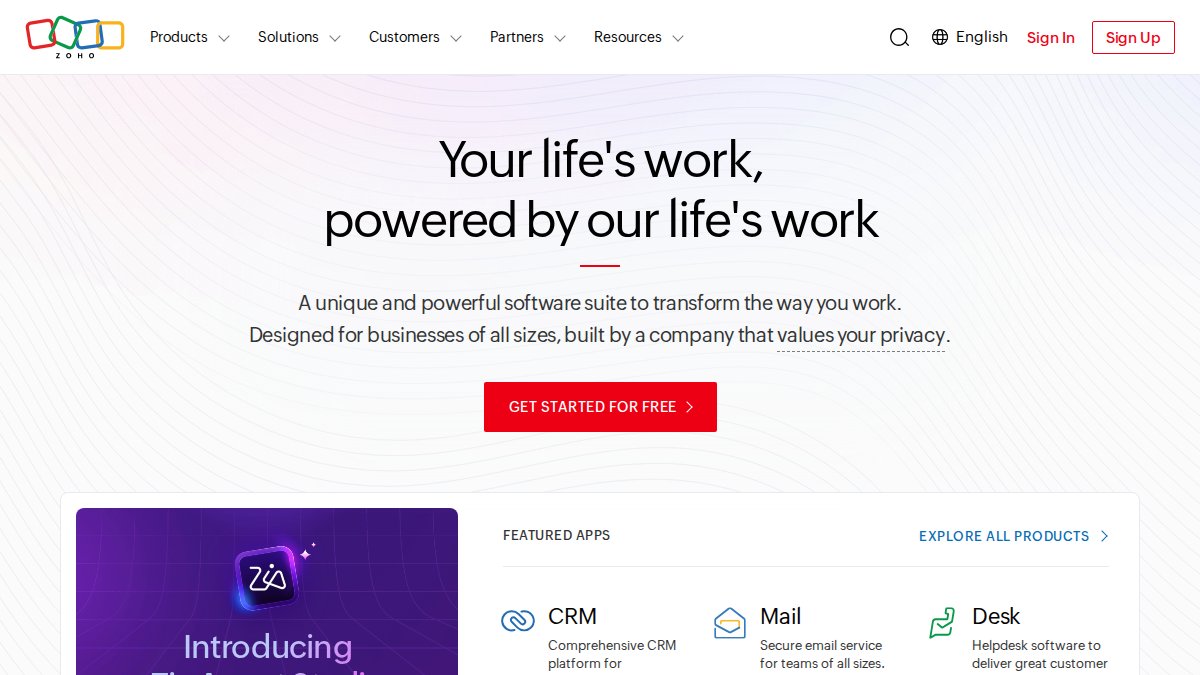
Zoho Mail stands out for affordability without sacrificing functionality. The free plan supports up to five users with unlimited email addresses, 5GB storage per user, and full feature access.
Paid plans offer 25GB storage, custom domain support, and integrated calendar and contacts. The real strength is integration. If you’re building a Zoho ecosystem or already using Zoho CRM, email fits seamlessly and creates powerful automation possibilities.
The weakness is brand recognition. Zoho isn’t as well-known as Microsoft or Google, which sometimes creates hesitation. But the platform is genuinely enterprise-grade, used by Fortune 500 companies alongside small startups.
Best for: Teams under 20 people seeking maximum value, or businesses already using Zoho applications.
Proton Mail Business: Privacy-First Approach
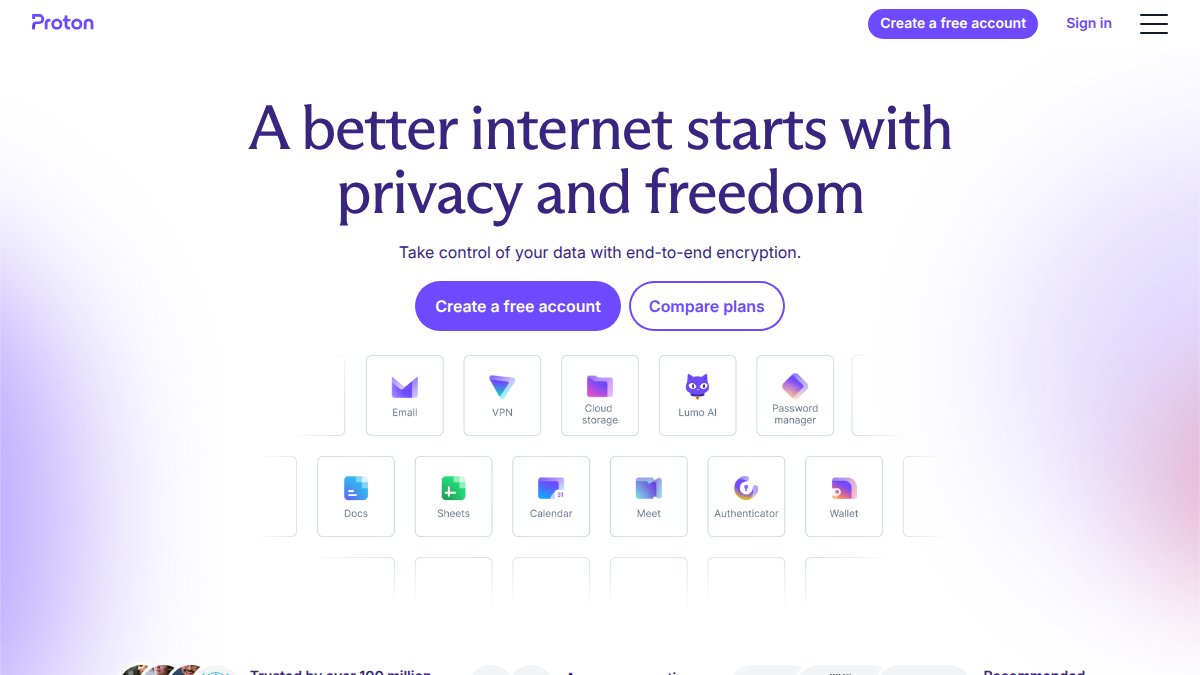
Proton Mail, rebranded as Proton Workspace, prioritises encryption and privacy above all else. Every email is end-to-end encrypted by default, meaning Proton itself cannot read your messages. This appeals to businesses handling sensitive information or those with privacy concerns.
The advantage is genuine privacy. You’re not being scanned for marketing data, and your communications remain confidential even from the provider. For legal firms, healthcare practices, or consultancies handling confidential information, this is compelling.
The disadvantage is limited integrations. Proton’s ecosystem is smaller than Microsoft or Google, so connecting to third-party tools requires workarounds. Search functionality is also more limited due to encryption.
Best for: Businesses prioritising privacy, handling sensitive communications, or operating in regulated sectors.
IceWarp Cloud: Affordable Collaboration Suite
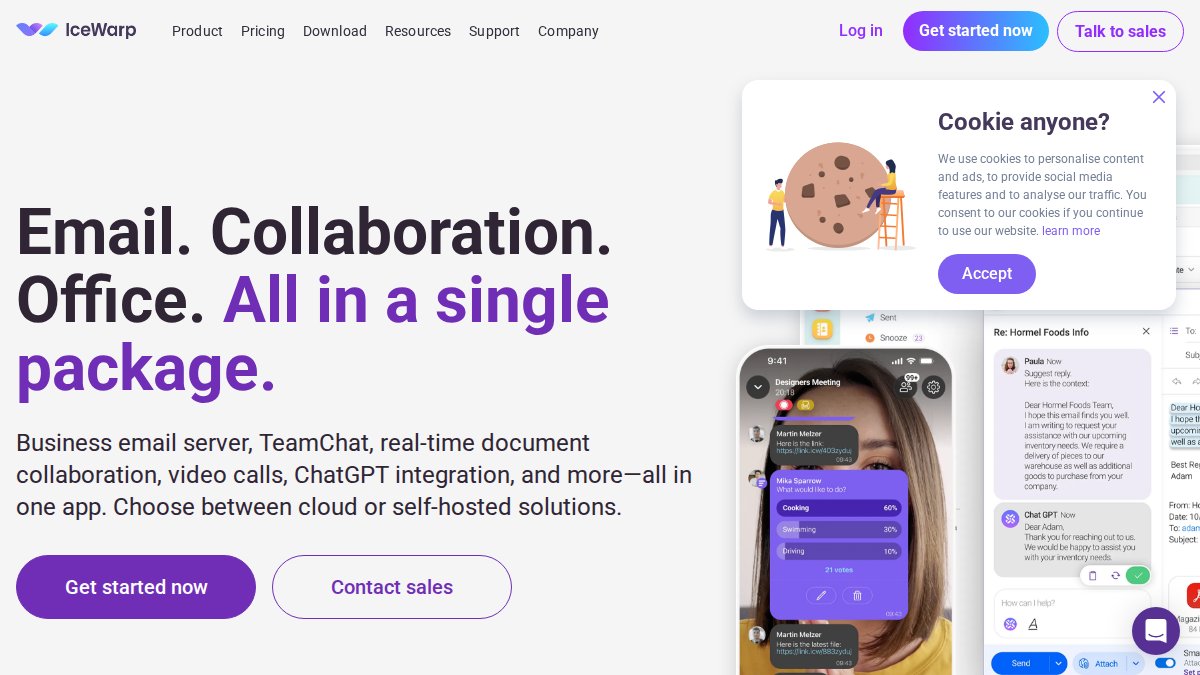
IceWarp Cloud offers a full collaboration platform at remarkably low cost. It includes hosted email, TeamChat messaging, video conferencing, document editing, and cloud storage in one platform.
This all-in-one approach appeals to teams currently paying for separate tools. Rather than email plus Slack plus Zoom plus Google Drive, IceWarp bundles everything into one platform.
The weakness is maturity. IceWarp is less polished than Microsoft 365 or Google Workspace. The interface feels functional rather than elegant, and some features lag behind competitors. But for teams on tight budgets, the functionality-to-cost ratio is exceptional.
Best for: Small teams (10-50 people) seeking an all-in-one solution without premium pricing.
The best email hosting solution isn’t the most feature-rich, it’s the one that fits your team’s actual workflow. A team of designers might prioritise Google Workspace’s collaboration. A legal firm might choose Proton for privacy. A Zoho-invested business chooses Zoho Mail.
Email Migration: Moving From Basic to Advanced Solutions
Switching email providers is genuinely simple if you plan properly. Most businesses delay migration because they fear losing email history or disrupting service. In reality, modern migration tools make this nearly painless.
Step 1: Choose your new provider and set up accounts (1-2 hours)
Create accounts for all users in your new system. Configure your custom domain DNS settings so the new provider can receive mail.
Step 2: Migrate historical email (2-24 hours depending on volume)
Use your new provider’s migration tool to pull email from your old system. Most providers support IMAP and POP3 connections, meaning they can retrieve email from virtually any system. The migration happens in the background.
Step 3: Update DNS records for email routing (15 minutes, plus propagation)
Change your domain’s MX records to point to your new provider. DNS changes propagate globally within 24 hours, though most systems update within minutes.
Step 4: Forward old email addresses (1 hour)
Set up forwarding on your old system so any email sent to old addresses reaches the new system.
Step 5: Communicate with contacts (varies)
Send a brief message to frequent contacts notifying them of your new email address.
The entire process typically takes 2-3 days from start to finish. Downtime is usually zero.
:::pro-tip
Migrate on a Friday afternoon. If any issues arise, you have the weekend to resolve them without disrupting business. In practice, issues are rare, but this timing provides peace of mind.
:::
| Migration Step | Typical Duration | Complexity | Risk Level |
|---|---|---|---|
| Account setup and DNS | 1-2 hours | Low | Minimal |
| Historical email migration | 2-24 hours | Low | Minimal |
| MX record update | 15 minutes | Low | Minimal |
| Email forwarding setup | 1 hour | Low | Minimal |
| Staff communication | Varies | Low | Minimal |
Choosing the right email hosting is one of the highest-impact decisions for business efficiency and security. Whether you prioritise affordability, privacy, collaboration, or seamless integration, alternatives to basic email hosting for businesses now cover every scenario. At Ibertech Solutions, we help Norfolk and Suffolk businesses implement professional email infrastructure with custom configuration, 24/7 IT Support, and migration assistance. Our team ensures your transition is seamless and your system remains secure and up-to-date. We also offer Telecoms Solutions to integrate your email with unified communications, creating a complete business infrastructure. Get started with Ibertech Solutions and eliminate the constraints that basic email imposes on your growth.
Frequently Asked Questions
What are the main benefits of upgrading from basic email hosting?
Moving beyond basic email hosting provides professional email addresses with your custom domain, enhanced security protocols including SPF, DKIM, and DMARC authentication, advanced spam and malware filtering, greater storage capacity, and collaboration features like shared calendars and team communication tools. For UK businesses, this means improved credibility with clients, better compliance with data protection regulations, and increased productivity through integrated workflows.
How does secure email hosting UK protect my business data?
Secure email hosting UK solutions employ encryption protocols (typically 256-bit SSL), multi-factor authentication, automatic backups, and anti-virus scanning. Reputable providers comply with UK GDPR and data residency requirements, storing data within UK or EU data centres. They also provide audit trails, access controls, and disaster recovery protocols. This protects sensitive business information, client communications, and financial records from unauthorised access and data breaches.
Should I choose Microsoft 365 Business Basic vs Standard UK for my small business?
Microsoft 365 Business Basic is suitable for businesses prioritising cost efficiency, offering essential email, 1 TB cloud storage, and Teams collaboration. Business Standard adds desktop Office applications and more advanced features. Choose Basic if your team primarily works in browsers and needs core email and cloud storage; choose Standard if staff require full Office applications like Word and Excel for desktop work. Both include professional email with custom domains and 24/7 support.
What should I consider when migrating to a new email hosting provider?
Plan migration carefully by backing up all existing emails and contacts, scheduling the transition during low-activity periods, and testing the new system thoroughly before full rollout. Verify that the new provider supports IMAP, POP3, and SMTP protocols for seamless data transfer. Check for downtime windows and whether technical support is available during migration. Communicate the change to clients and partners, and ensure DNS settings (MX records) are updated correctly to prevent email loss.